RoundPlan changelog · September 2026
A new itinerary editor, more flexible pricing and payments, rooming lists, stop sales and several improvements across RoundPlan this month.
Itinerary editor
A new itinerary editor
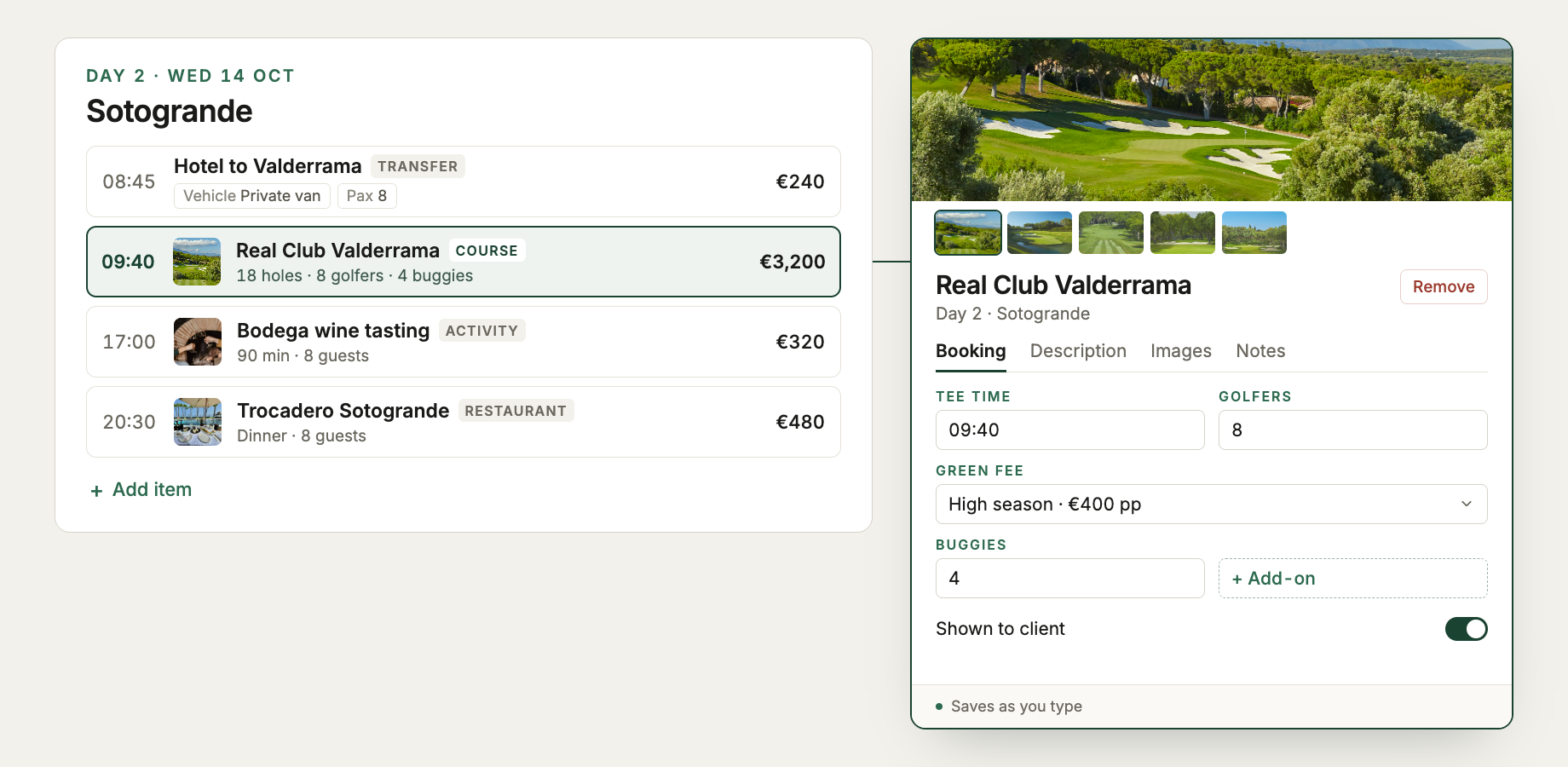
The itinerary is now easier to scan and edit. Each item appears as a one-line summary and opens in a side panel when you click it.
Stop sales warnings
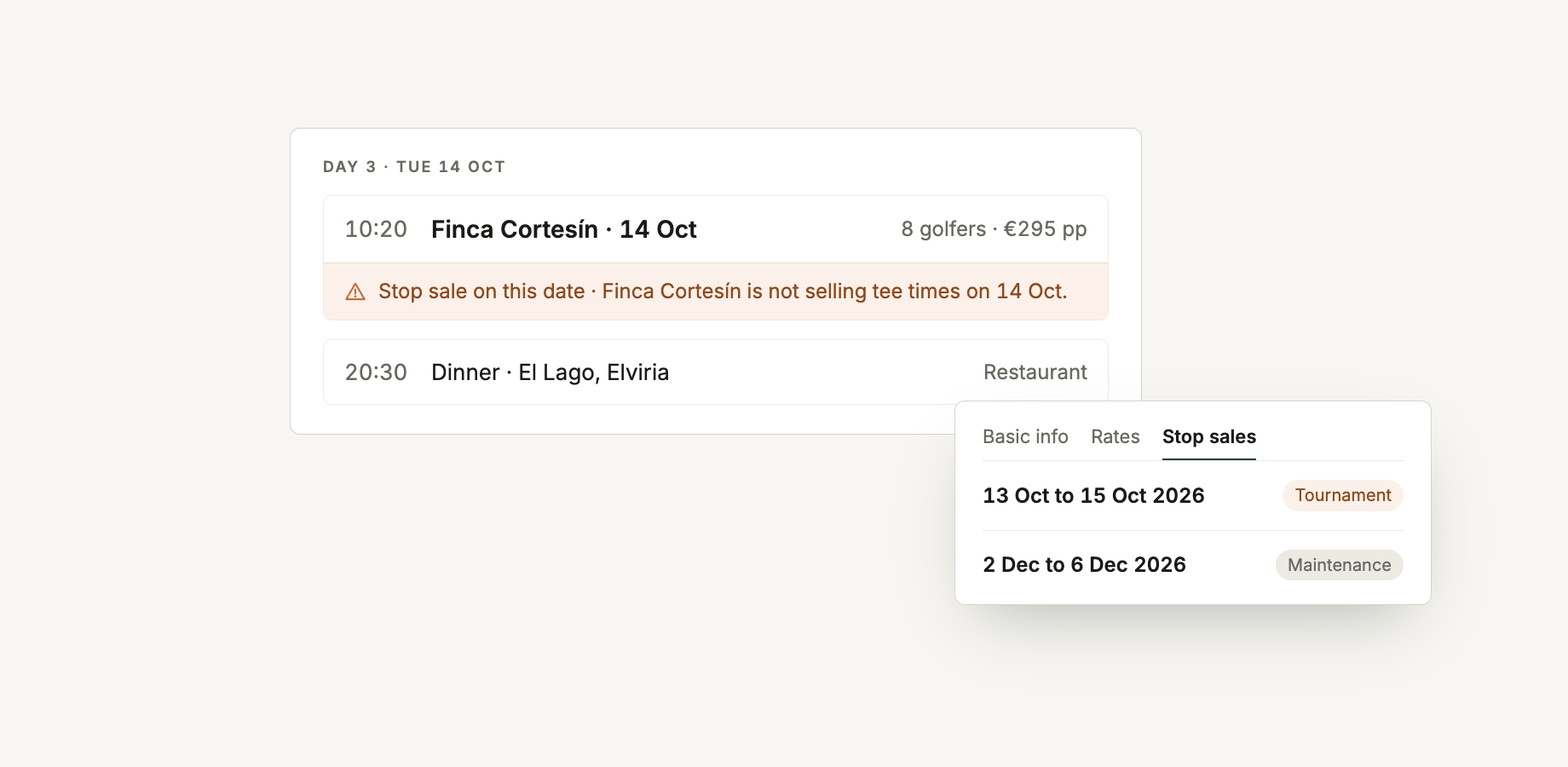
Add stop sales to supplier pages and RoundPlan will show a warning in the itinerary when a trip uses that supplier on an unavailable date.
Pricing and add-ons
Add-ons, and who pays for them
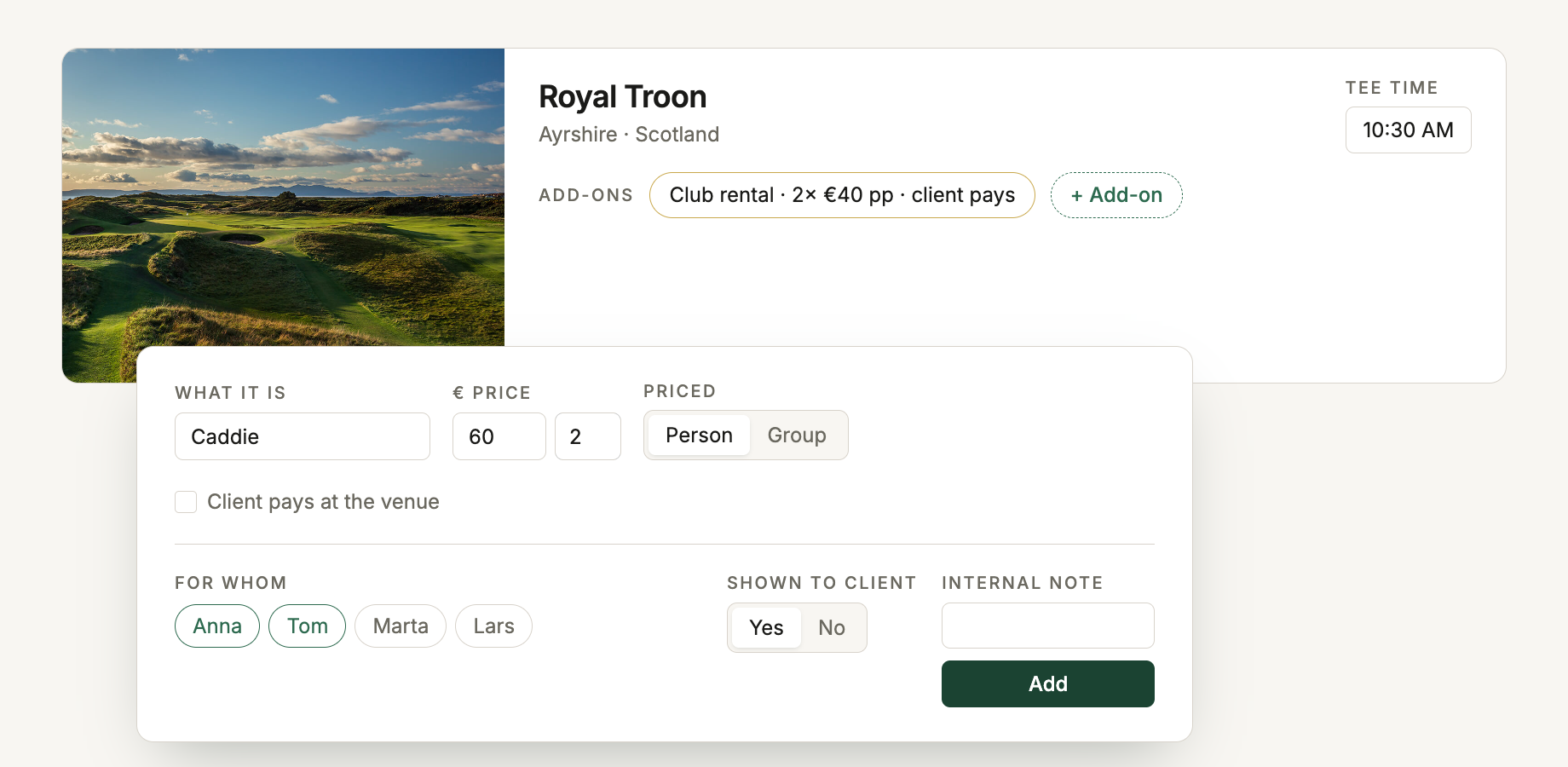
Add caddies, rental clubs, spa visits and other extras to the course, hotel or activity they belong to. Include them in the package or mark Client pays at the venue, and assign them to the whole group or specific travellers. More on add-ons.
Whole-trip costs
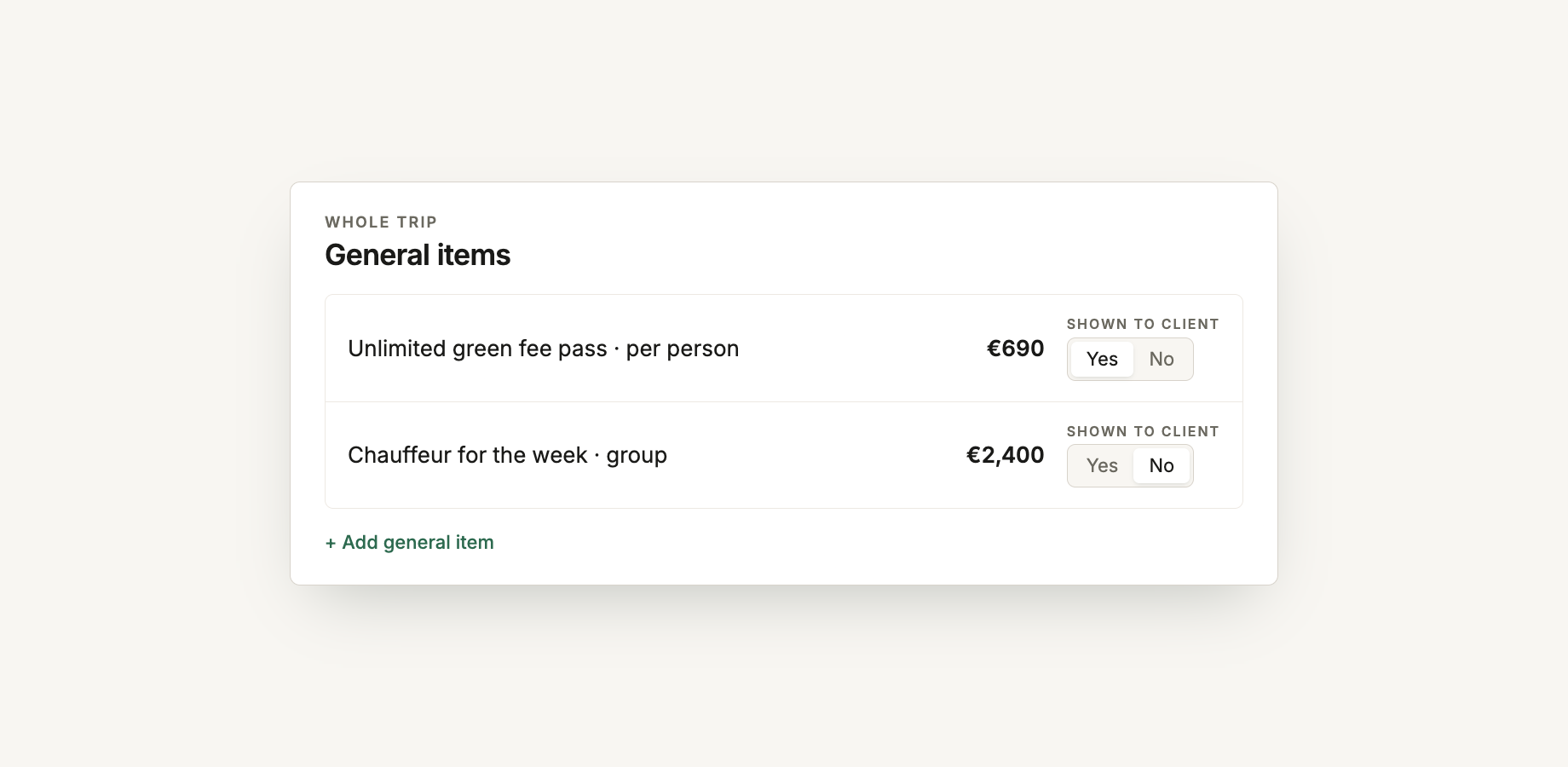
Add costs that belong to the trip as a whole, such as an unlimited golf pass or a chauffeur for the week. They can be priced per person or for the group, and shown to the client or kept internal.
Quote in your client's currency
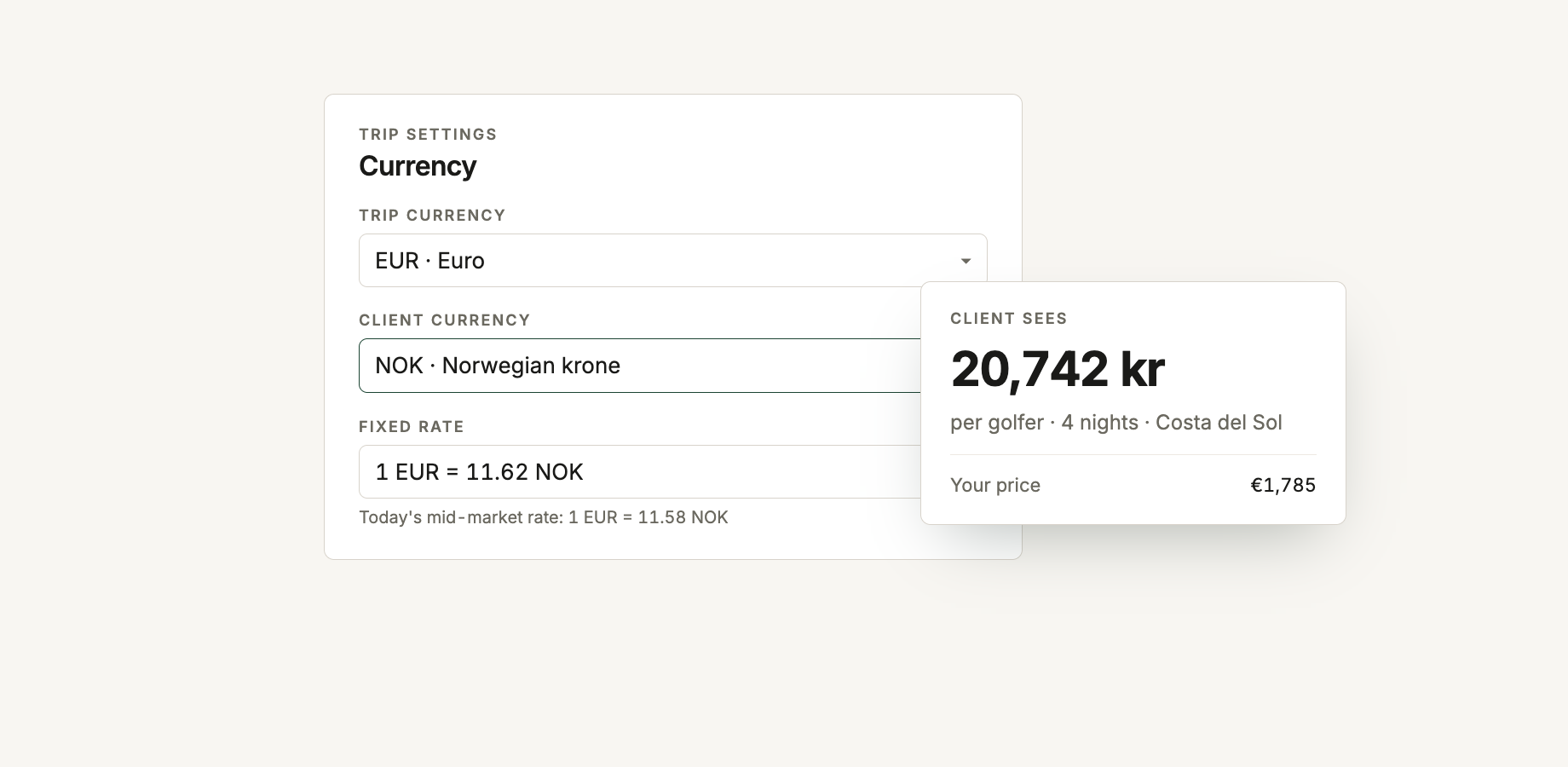
Keep the trip in the currency you buy in, while quoting and charging the client in another. RoundPlan suggests the day's mid-market rate, or you can enter the fixed rate you actually work at for that trip.
Proposals
Several options in one proposal
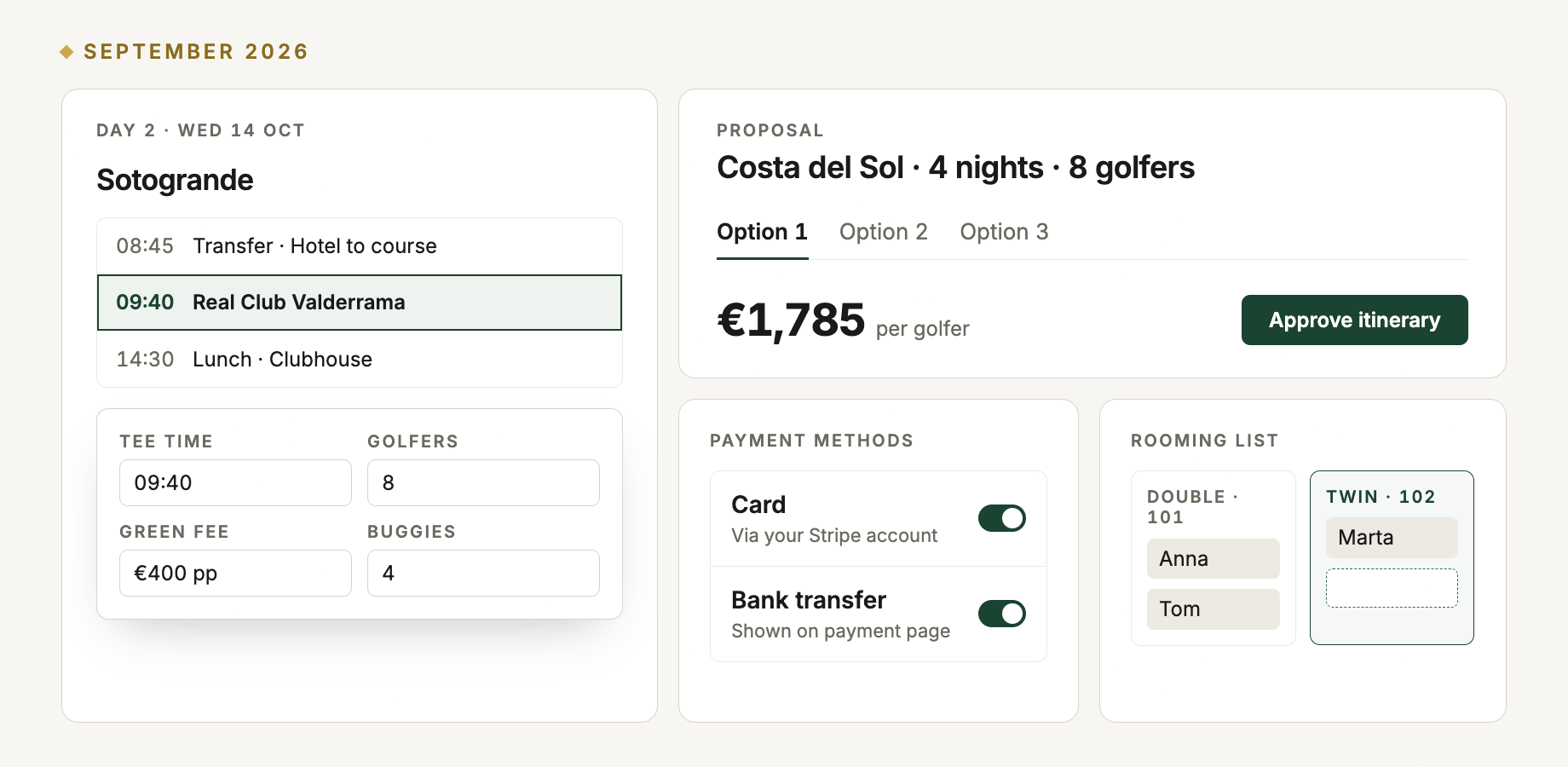
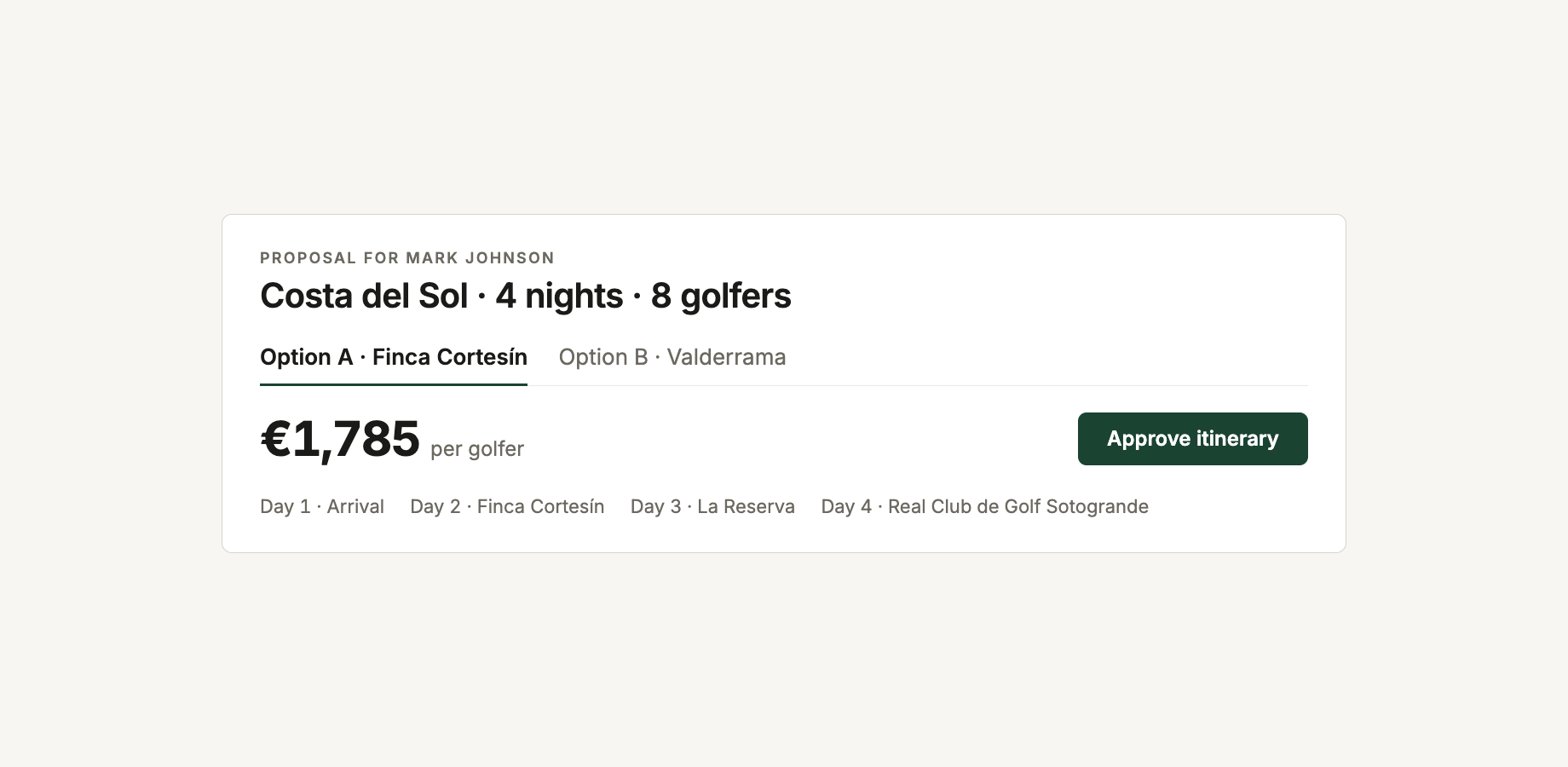
Build up to four versions of the same trip under one proposal, with different dates, hotels or prices. The client gets one link, sees each version in its own tab and approves the option they are reading.
Booking terms on every proposal
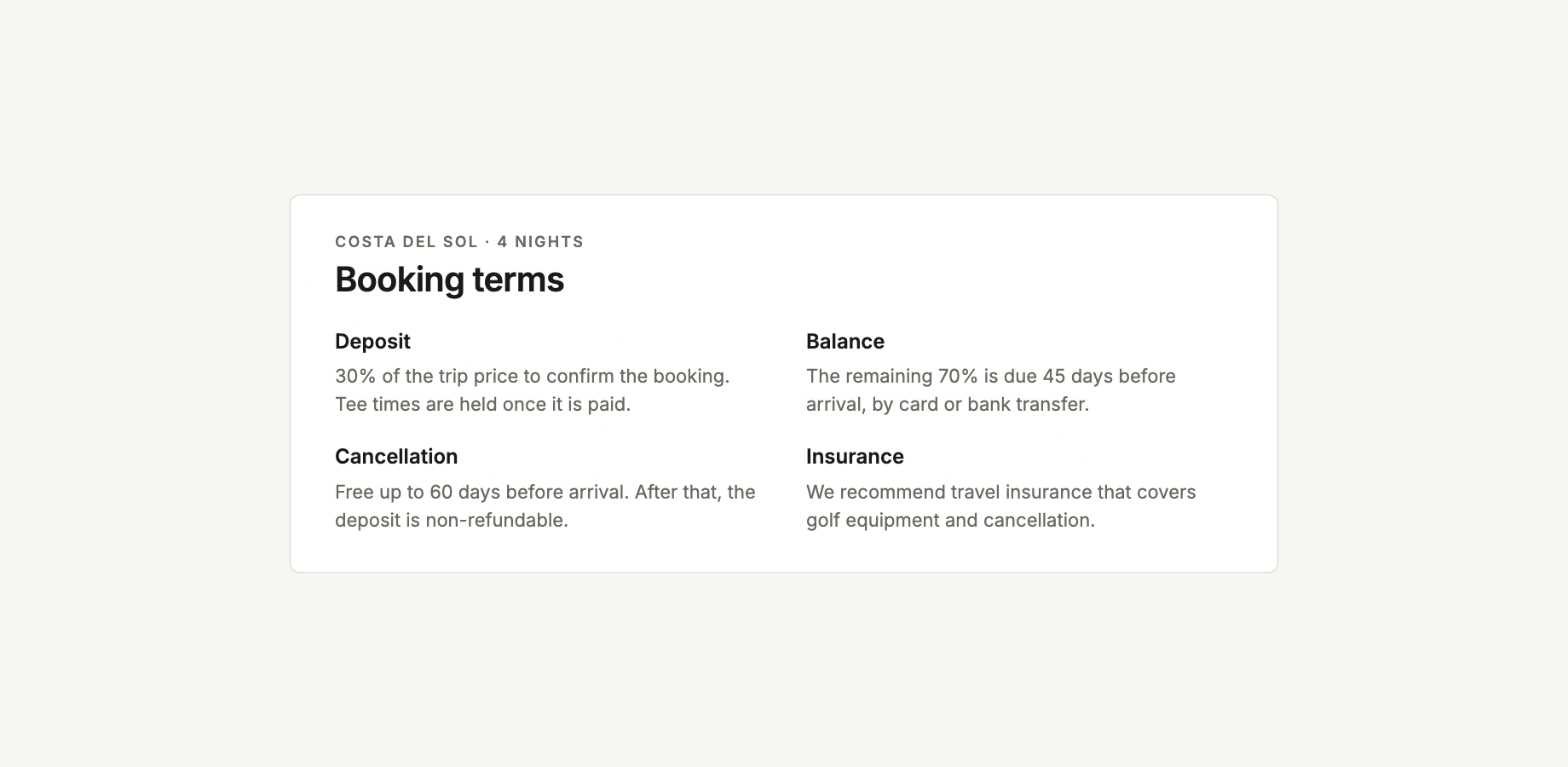
Add your standard booking terms once in Settings → Proposal terms. They appear at the end of every proposal and can still be edited for an individual trip.
Payments
Card payments into your Stripe account
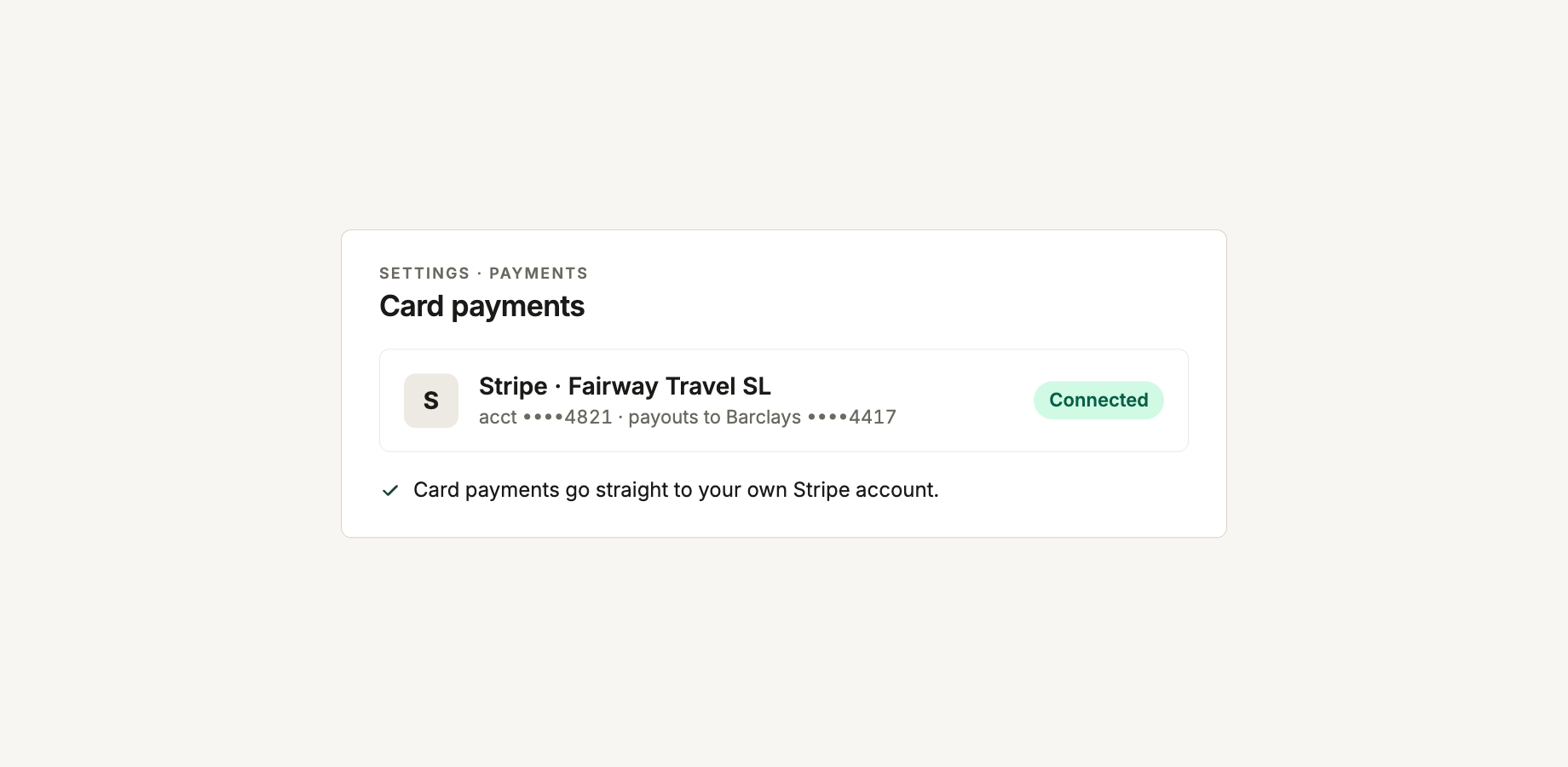
Connect Stripe and clients can pay by card from their payment link. Payments go directly to your own Stripe account, and RoundPlan notifies you when one arrives.
Split payments for group trips
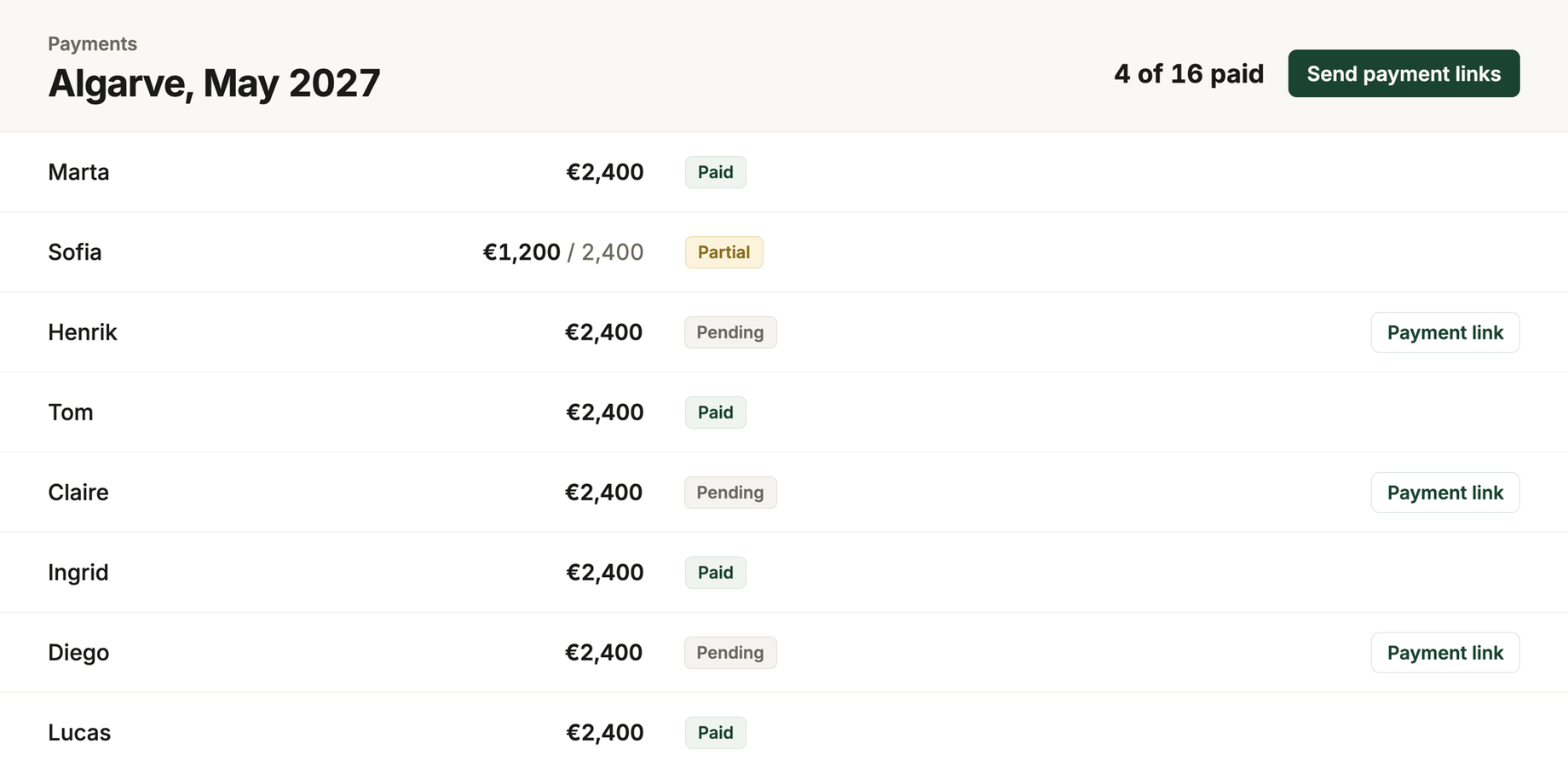
Split a payment between travellers, give each person their own payment link and keep track of who has paid. More on split payments.
Card, bank transfer, or both
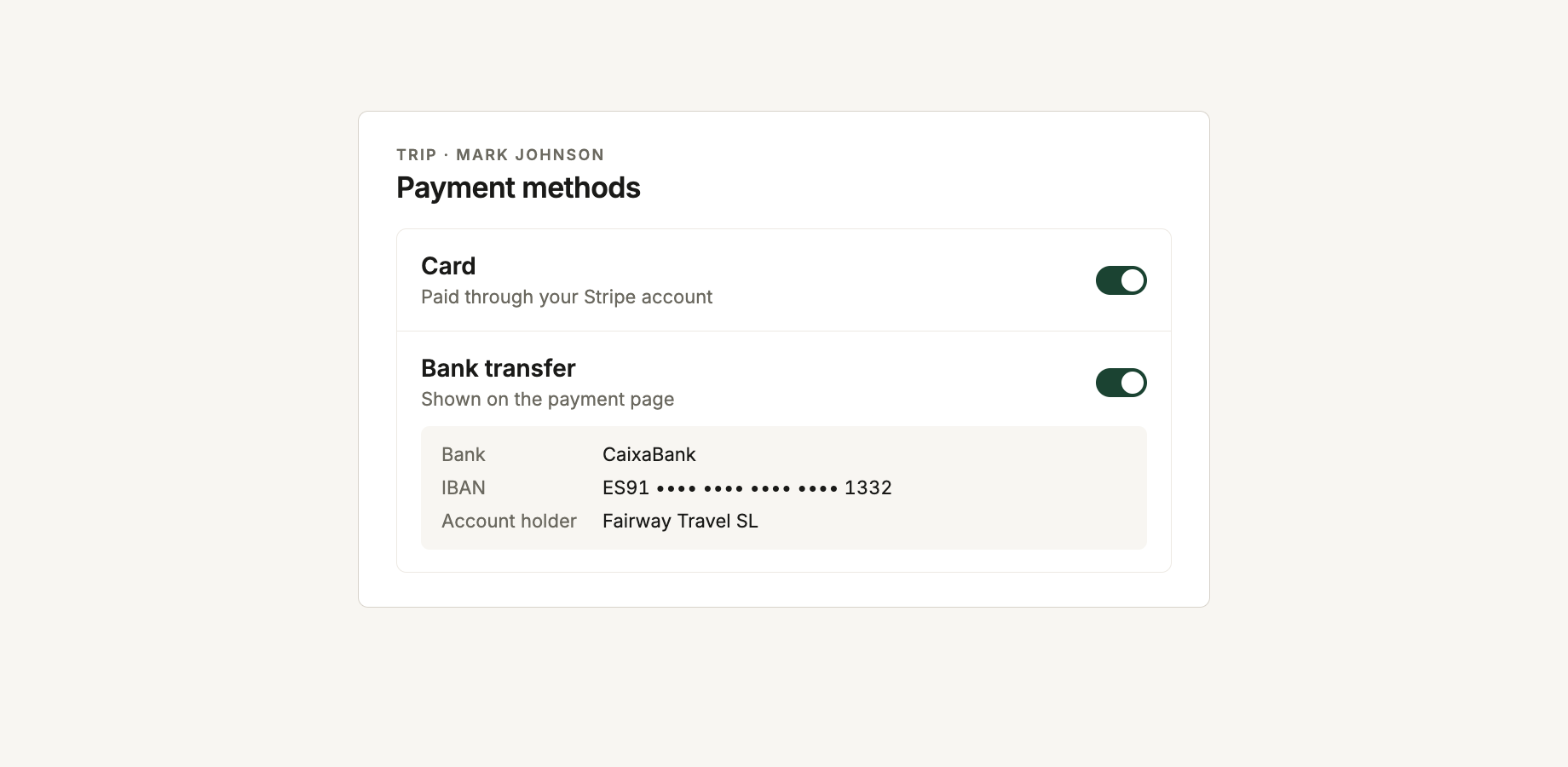
Add your bank details once and choose for each trip whether clients can pay by card, bank transfer or either method.
Bookings and suppliers
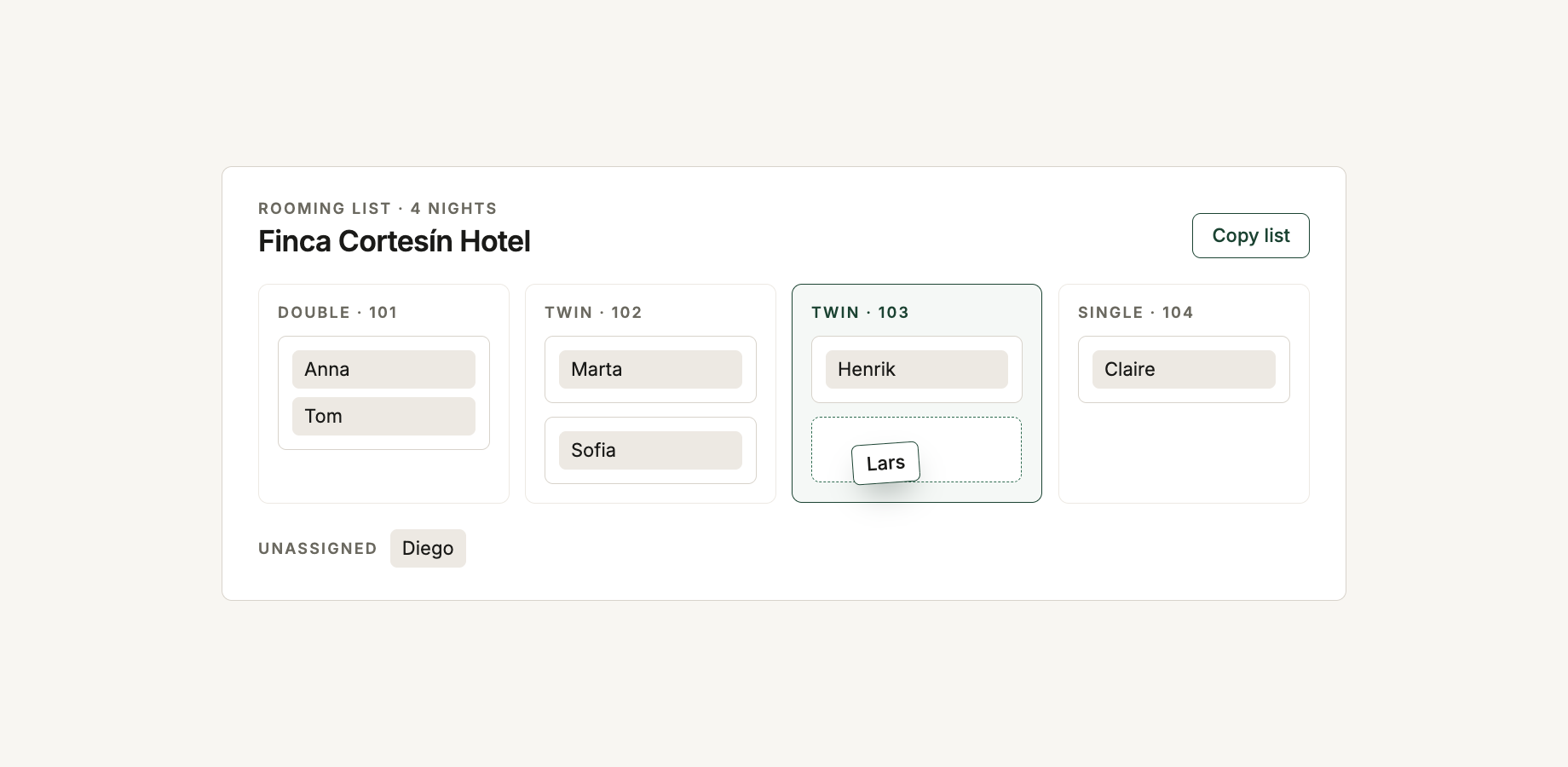
Rooming lists
Assign travellers to rooms and beds directly in RoundPlan, then copy the completed rooming list when you need to send it to the hotel.
Bookings and supplier pages redesigned
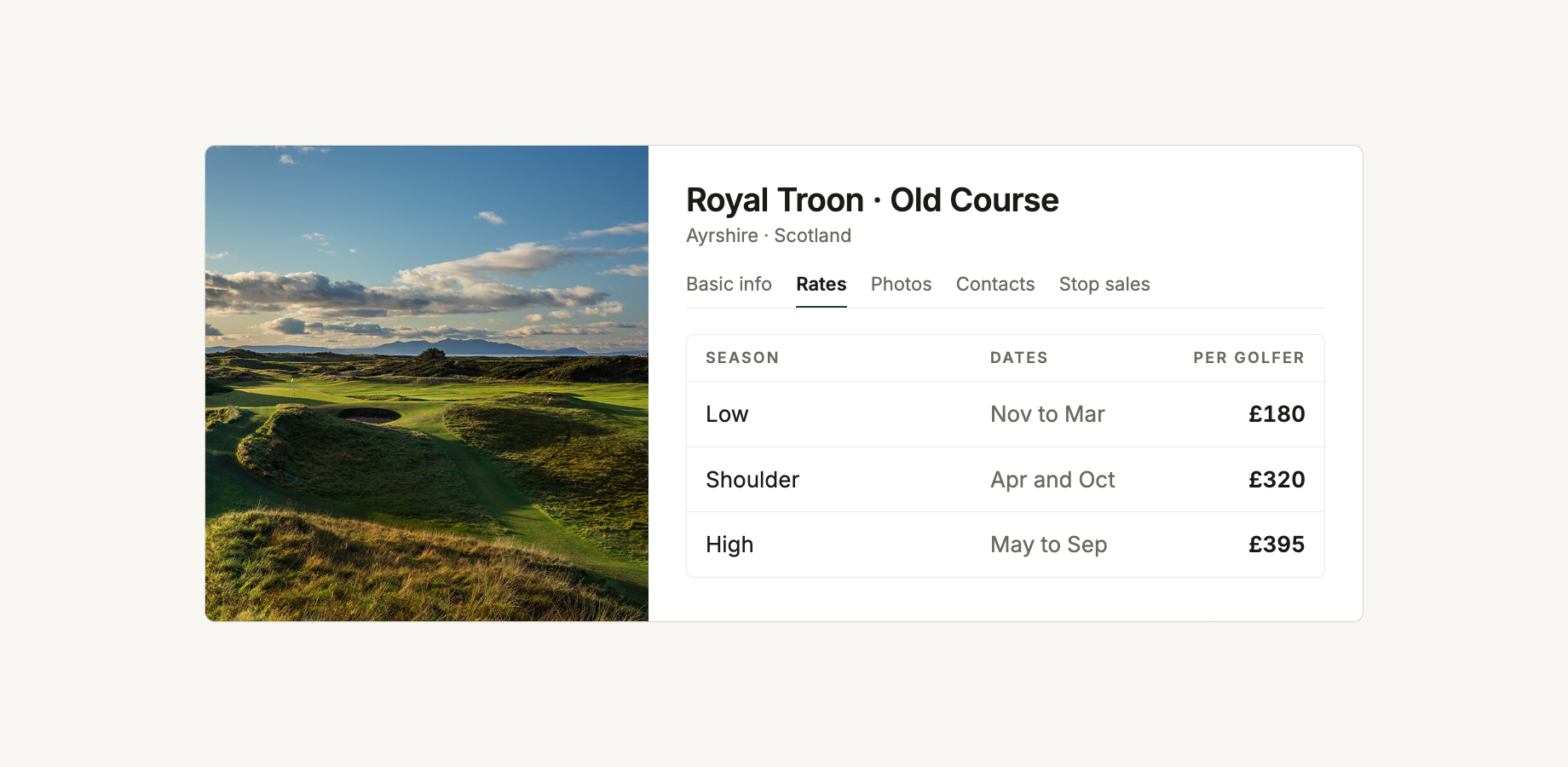
Courses, hotels, restaurants, activities and transfers now have redesigned pages with photos, pricing, contacts and stop sales organised in one place.